

/nta-logo.webp?sfvrsn=e8b1602c_1)
/oireachtas-logo.webp?sfvrsn=1d58b9bd_1)
/nie-networks-logo.webp?sfvrsn=d7f84fff_1)
/construction-guarantee-logo.webp?sfvrsn=1d321a4_1)
/building-materials-federation-logo.webp?sfvrsn=921f5692_1)
/kingspan-logo.webp?sfvrsn=93911c1e_1)
/john-paul-construction-logo.webp?sfvrsn=9032317e_1)
/mercury-engineering-logo.webp?sfvrsn=8e793b1d_1)
/esbnetworks.webp?sfvrsn=787aad2e_3)
/sports-ireland-logo.webp?sfvrsn=659d1b17_1)
/jcdecaux-logo.webp?sfvrsn=723171d2_1)
/kbc-logo.webp?sfvrsn=19fb595f_1)
/eu-logo.webp?sfvrsn=6e6fa0ac_1)
/who-logo.webp?sfvrsn=6343c394_2)
/enterprise-ireland-logo.webp?sfvrsn=da106470_1)
/ey-logo.webp?sfvrsn=764b0e78_1)
/eir-logo.webp?sfvrsn=ab4ef39d_1)
/dublin-city-council-logo.webp?sfvrsn=c3b65190_1)
/dub-chamber-logo.webp?sfvrsn=203e4b2d_1)
/colliers-logo.webp?sfvrsn=ff7ccfd4_1)

Motion in UX design
When designing a new website or a mobile app, I often think of ways to make the user experience more exciting for a user. It can be an interesting challenge to create an engaging experience and invoke surprise, and to create new design ideas each time. Using a combination of perfectly chosen colours and awesome illustrations and photography always helps, but how about combining all of that with adding a bit of simple animation? In the past few years, interaction animation has become highly integrated when designing websites. Using animation can bring a totally fresh look to your project, and at first glance, a simple website can be transformed into something more extraordinary and eye catching. Adding interactive animation is a smart way to interact with users and make all product experiences much more enjoyable.
The big advice: think beyond the static image
If you are thinking of using animation in your project you must think beyond the static image. It's very important to visualise what graphic elements work well with your design, and how you want to animate.
Very often animation is used on a landing page to give the wow effect. Scrolling and hovering effects are also smart ways to interact with users and make the overall experience much more fluid and inviting.
In my opinion if you design motion you have to have a case to why you are doing it, because as much as it is effective, it’s also more complex and expensive. Whether it will be done by a designer with animation skills or a developer by coding.
I would like to share a few of my favourite techniques when creating animation:
Lottie Animation
A Lottie is a JSON-based animation file format that enables designers to ship animations on any platform as easily as shipping static assets. They are small files that work on any device and can scale up or down without pixelation.
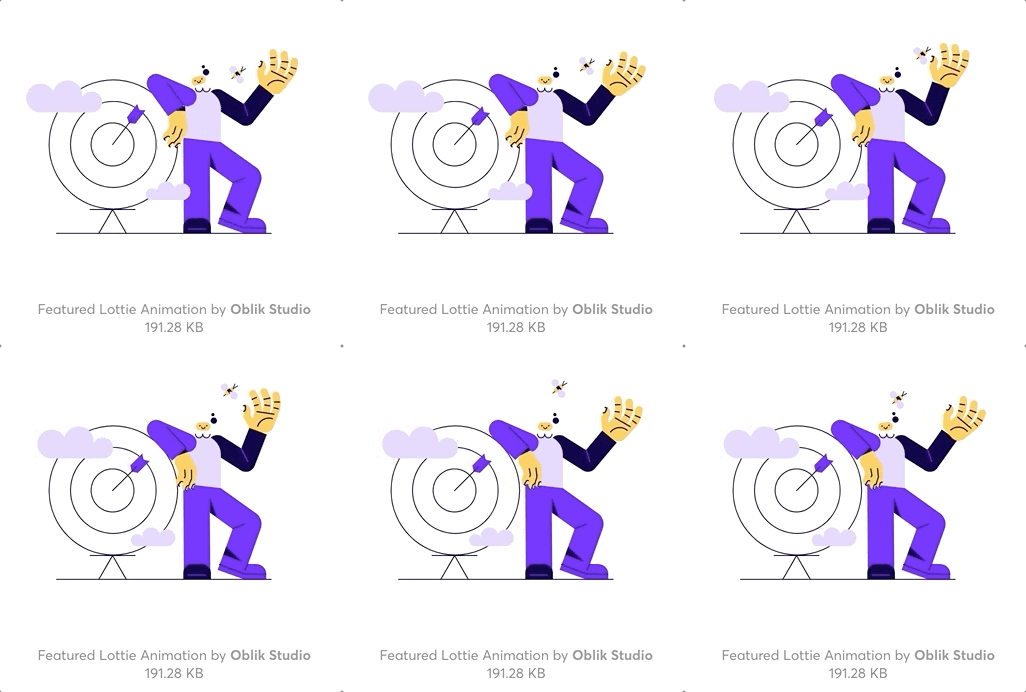
There is no wonder why they describe themselves as the future of animation and interaction design. Lottie has a lot to offer. We are talking about complicated animations being exported to code and taking as little space as your vector illustration. That’s small, I mean very small!
It works well for the main animated illustration on the homepage to make your page stand out.
In order to export your animation in Lottie, you need to first animate it in Adobe After Effects. If you don't have experience using After Effects but still would like to use animated illustration on your web page, Lottie offers free resources created by private developers and studios which you might find suitable for your project.
There are many possibilities and usage of Lottie code animation. Here a just a few examples:
- It could be embedded on a homepage as a featured illustration
- Animate while scrolling through a page
- Click-based animation
- Image sequences on scroll
Bannerify
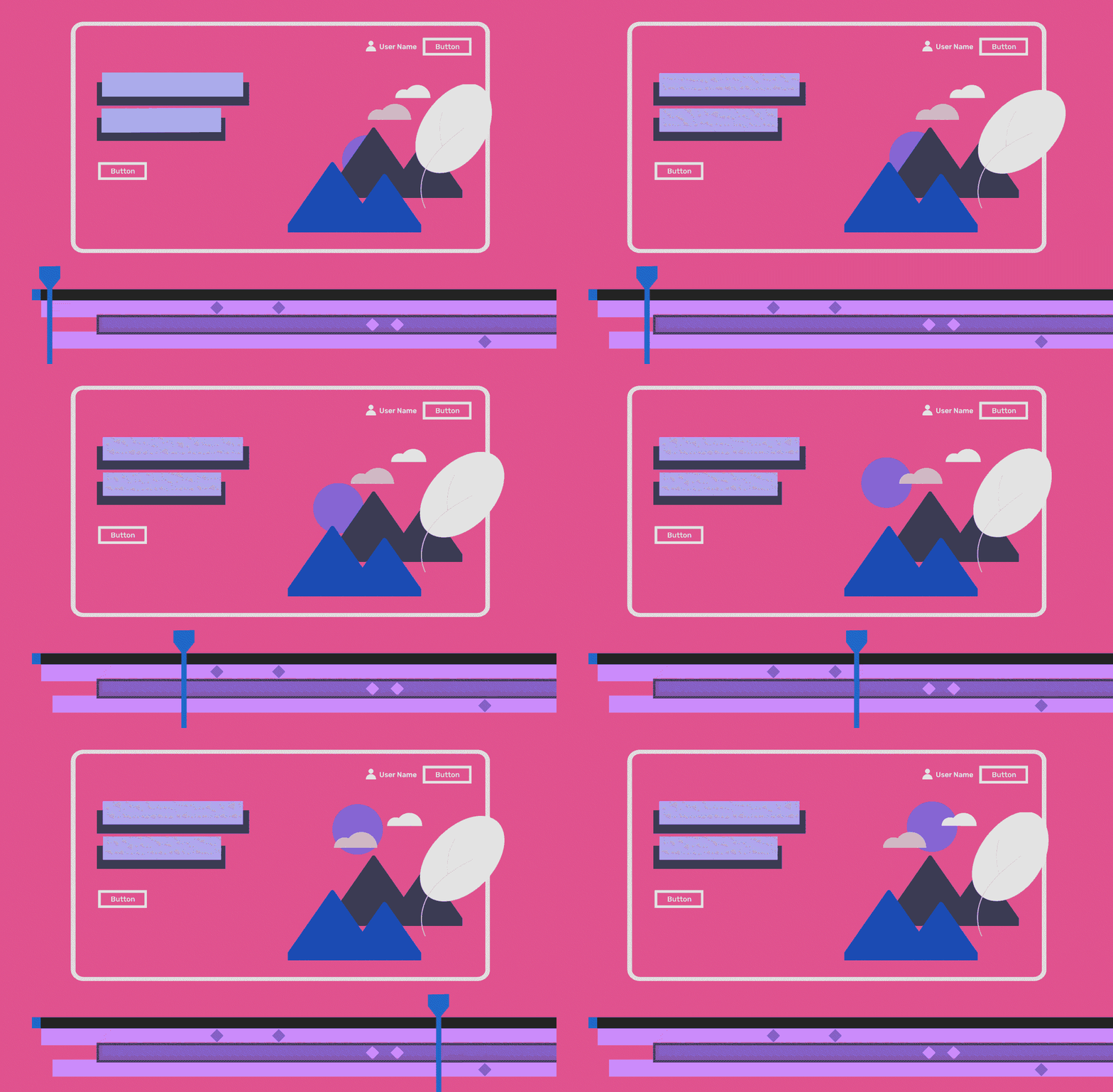
The Bannerify plugin is a Figma plugin that lets you animate and export production-ready banners to HTML, GIF and video. Each of your designed frames will be treated as a separate banner, where you are able to control and animate each layer. This plugin is not free, but it offers good value.

Adobe XD Auto-Animate
There is a new feature in Adobe XD which lets you to animate and transform icons into each other. It's super cool and easy. All you need to do is to create icons in separate artboards - these are your stages. Go to prototype mode and let Adobe XD do its own magic. Icons can be animated automatically in the Interaction panel where you can adjust the trigger, action and duration settings.
The process:

The result:
Animations can help to make your website more eye-catching and interesting. An image that evolves and tells a story for customers is worth, as they say, a thousand words. However, it is important to remember that regardless of whether you choose to add animations or static images, or no imagery at all, your primary focus should be to make your website user-friendly.
If you are looking to create an engaging experience and invoke surprise with your website, contact us today.
/contact.png?sfvrsn=b17872c9_5)
